Written by: JJ Tan, Founder, Jelly
Key Takeaways
- Barcode scanning in inventory software connects physical scans to a central stock database and updates records in real time across the business.
- Most existing guides focus on warehouse and retail use cases and overlook hospitality-specific needs such as recipe costing, supplier price tracking and gross-profit reporting.
- Effective hospitality workflows use scanning at four key points: receiving deliveries, conducting stocktakes by area, recording transfers between sites and logging wastage with reason codes.
- Spreadsheets can accept barcode input, but they lack automatic SKU matching, recipe costing, price alerts and POS integration, so they become inadequate once supplier count or menu complexity grows.
- Jelly is the best inventory management software with barcode scanning for growing UK restaurants, pubs and boutique hotels because it turns scanned invoices and POS sales into live dish costs and margin alerts, onboards in the first week, and costs a flat £129/month per location.
How Barcode Scanning Works In An Inventory System
The four-step process below explains how a scan becomes an inventory action. A barcode scanner alone only reads codes and outputs numbers, and integration with inventory software turns each scan into an action, such as deducting stock at checkout, adding stock during goods receiving, or recording counts during stocktaking.
- The scanner reads the barcode or QR code and converts it into a text string.
- The software matches that text string to a SKU, a unique identifier for a specific product in the system.
- The stock record updates to reflect the action, such as goods received, item picked, count logged, or stock transferred between areas or sites.
- Real-time visibility becomes available across the business, by storage area and by site, without anyone re-keying a number.
A few plain-English definitions help here. A SKU (stock-keeping unit) is the unique code your system uses to identify a product. A barcode encodes that identifier in a scannable format, and a QR code does the same while storing richer data including lot numbers and expiry dates. A stocktake is a physical count of everything on hand. A goods-received note is the record of what arrived from a supplier. Wastage is stock that is discarded rather than sold. A transfer is stock moved from one location or site to another.
GS1 UK’s head of healthcare notes that “the barcode is the visible part, but the value depends on the standards and reliable information behind it”, and the same principle applies in hospitality because the scan is only as useful as the software that receives it.
See Your Dish Costs Update Live
Hardware Options For Scanning Barcodes In Hospitality
Three practical options cover the vast majority of hospitality operations, and each carries different cost, speed and durability trade-offs.
Phone camera. This option is now standard and sufficient for most kitchens. The inventory app uses the phone’s built-in camera as a scanner, so there is no extra hardware cost where a suitable device already exists. Smartphone camera scanning carries zero additional hardware cost, making it suitable for businesses testing barcode workflows. The trade-off is speed and battery life. Camera scanning works for low-volume sessions of up to roughly 50 items, and for sustained scanning a dedicated Bluetooth scanner is faster, more accurate and less fatiguing, while camera scanning also drains phone battery significantly.
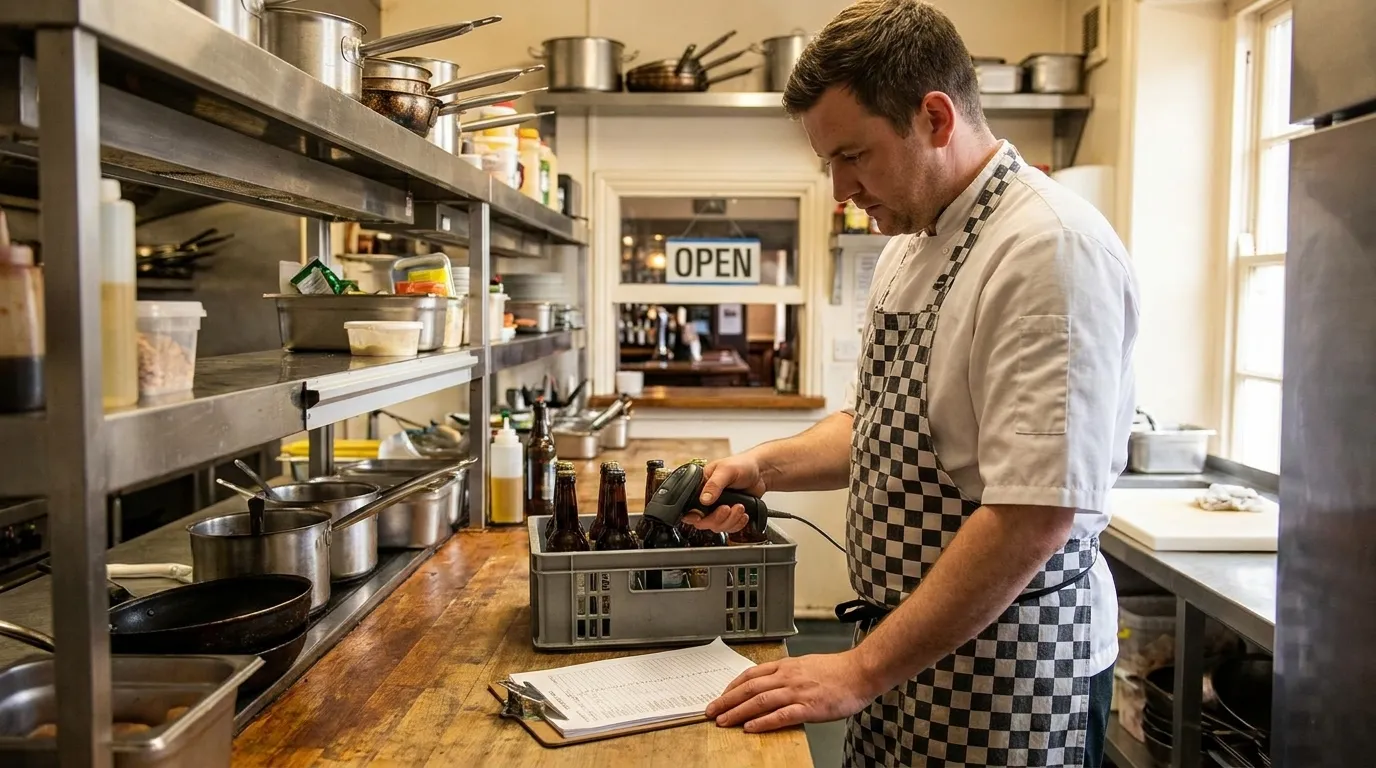
Bluetooth handheld scanner. This is the most practical choice for high-volume deliveries and sustained stocktakes. These scanners pair with a tablet or phone running the inventory app. Bluetooth handheld scanners such as the Zebra DS2278 and Honeywell Xenon 1952 cost £120–£200 in the UK and pair with Android tablets or iPads running cloud stock software. That price buys speed and less fatigue over a long session, which is why they are the most popular format for independent UK operators.
Rugged terminal. This option is an enterprise-grade handheld computer with a built-in scanner, designed for harsh, wet or cold environments and repeated drops. Rugged mobile computers such as the Zebra TC52 and Honeywell CT45 cost £600–£1,100 each in the UK. This level of investment suits heavy volume, a central warehouse, or genuinely harsh conditions.
A pub or restaurant kitchen rarely needs a rugged terminal, though a multi-site group with a central distribution warehouse might. Whichever of the three options you choose, check the IP rating. IP52-rated scanners such as the Datalogic Gryphon and QuickScan ranges offer limited dust and dripping-water resistance only. That protection is materially weaker than the IP65 rating of the Honeywell Granit 1990i or the IP67 rating of the Zebra DS3608. Ordinary retail Bluetooth scanners should therefore not be treated as kitchen-proof or washdown-safe. If a scanner will be used regularly in a wet prep area or walk-in, confirm the IP rating before purchasing.
How Scanning Fits A Hospitality Workflow
Scanning in a kitchen supports four distinct workflow moments, and each one feeds the financial picture differently.
Receiving deliveries. The delivery bay is where inventory data either enters the system or is lost permanently. Best practice is to scan against the invoice at the back door the same morning, so every line item, including quantity, SKU, price and tax, enters the system before the goods reach the shelf. Weak goods-in discipline, where deliveries are not checked against purchase orders and logged the same day, is the most common cause of stock figures diverging from physical counts. Jelly automates this step. Invoices arrive via a dedicated email address or a photo taken in the app, and every line item is digitised automatically, which removes the manual re-keying step entirely.
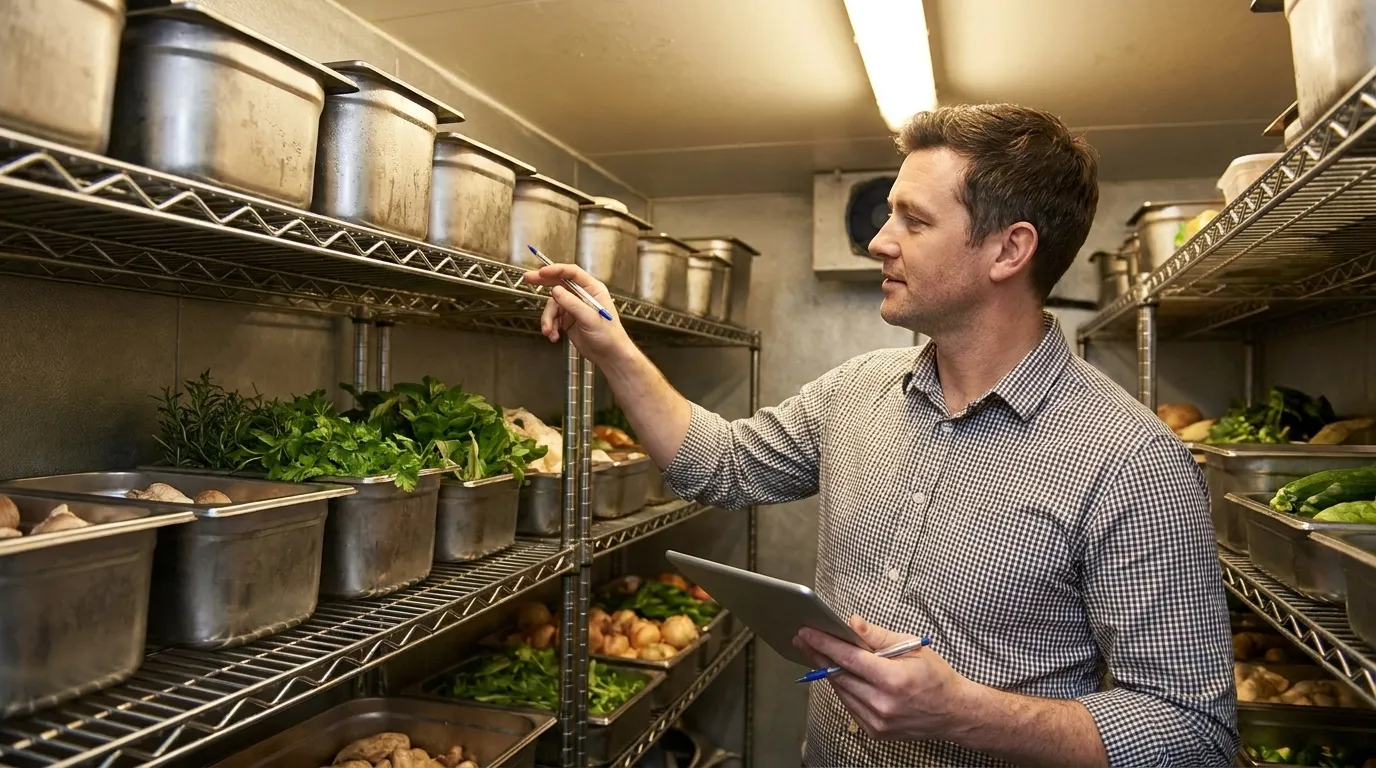
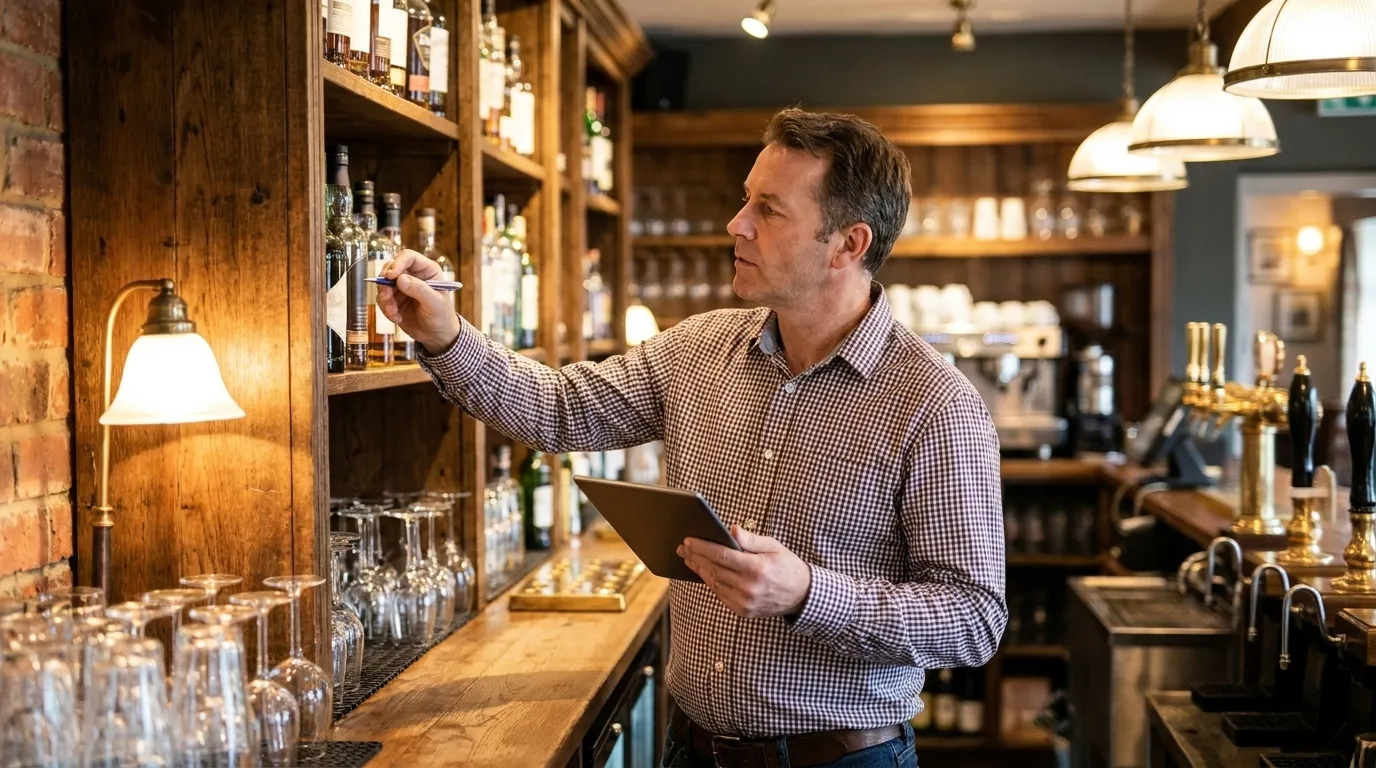
Stocktakes by area. A stock take app lets hospitality operators count stock by scanning each product’s barcode with a phone and typing the quantity, split by area such as cellar, back bar, kitchen and dry store. Counting in a repeatable sequence by area, for example bar, dry store, walk-in and cellar, means nothing is missed or double-counted. Counts keep working offline and sync when the device reconnects, which matters because basements and cold rooms often lack signal.
Transfers between sites. Stock moved from a central store to a second site should be recorded explicitly as a transfer rather than a manual adjustment. Recording it that way keeps the receiving site’s stock traceable and stops the sending site’s figures showing a phantom loss.
Wastage capture. Every discarded item should be logged with a reason code such as over-prep, spoilage, trim or temperature excursion, because each pattern points to a different corrective action. Patterns surface over time. Dairy waste spiking on a Tuesday, for instance, may indicate a cooler door left open during a busy lunch service.
The payoff from all four steps is the same. Scanned data flows into recipe costing and margin reporting. Ingredient costs update with every invoice, so dish GP stays live. A red percentage appears when a dish drops margin, and a green percentage appears when it grows. This is why a kitchen scans at all: to cost accurately and to move beyond simple counting.
Sushi Revolution cut its monthly stocktake from 2–3 hours to 5–20 minutes with Jelly, and used the live costing data to set separate target gross profits on dine-in and delivery menus, accounting for 30% delivery commissions, which resulted in actual gross profits 2–3% higher on average.
For a deeper look at how real-time tracking works across a back-of-house operation, see How to Automate Restaurant Inventory with Real-Time Tracking.
Scanning Barcodes Into Excel Or Google Sheets
Excel and Google Sheets can both accept barcode scans for basic inventory tracking. Excel can accept barcode scans through USB or Bluetooth “keyboard wedge” scanners, which type the barcode into the active cell followed by an Enter keystroke. A well-structured sheet handling beginning stock, deliveries and closing count is a legitimate starting point for a simple single-site operation.
The limits are equally real. Excel lacks native audit trails, role-based permissions and workflow guardrails, and as more users are added and spreadsheet logic grows, performance and data integrity can degrade. There is no automatic SKU matching, recipe costing, price alerting or POS integration for theoretical-usage calculations. The two principal gaps between a spreadsheet and a paid inventory app are POS integration for automatic theoretical-usage calculations and standardised input forms when multiple staff members count stock on different days.
Multiple people editing the same file on different days compounds transcription error. Spreadsheets record what a user types rather than what actually moves through the kitchen, so operators are always looking backward at a food-cost number they cannot act on in time.
Spreadsheets are a legitimate starting point. They stop being enough when supplier count, menu complexity or team size grows. For a kitchen, the absence of recipe costing means stock can be counted quickly but cannot be costed accurately. For a detailed look at what automated invoice data extraction adds beyond a spreadsheet, see Software That Updates Inventory From Supplier Invoices UK.
Compare Jelly To Your Spreadsheet
What To Look For In Barcode Inventory Software
Once you have decided a spreadsheet is no longer enough, the next step is choosing which software to buy. These criteria separate hospitality-fit software from general-purpose tools:
- Scanning method support for phone camera, Bluetooth handheld and rugged terminal, so the team can use whatever hardware suits the workflow.
- POS integration that pulls item-level sales the moment a transaction completes, rather than a daily summary file with a 24-hour lag.
- Accounting integration with Xero and MTD-compatible digital links, so digitised invoices flow into VAT records without re-keying. HMRC’s VAT Retail Schemes manual (VRS11150) expects transaction-level records rather than summarised totals, and a two-way integration with Xero supports HMRC Making Tax Digital digital-link requirements.
- Recipe and dish costing at portion level, with unit conversions handled automatically.
- Price tracking and alerts on supplier price movement, providing hard evidence for a negotiation rather than a vague suspicion.
- UK support, UK pricing clarity and a flat per-location fee rather than per-user charges that scale unpredictably.
For a full breakdown of what reporting should look like once the scanning layer is in place, see Inventory Management Software Reporting: A UK Guide.
Best Barcode Inventory Software For Small Business UK 2026: An Editorial Shortlist
This shortlist uses the searcher’s own category, inventory management software with barcode scanning for small and growing businesses, and places options in editorial order based on fit for UK hospitality operators.
-
Jelly — best for growing UK restaurants, pubs and boutique hotels. Jelly is the hospitality-native answer to this query. Automated invoice scanning digitises every line item, including quantity, SKU, price and tax, via photo or a dedicated email address, so scanned data becomes costed data without manual entry. The Price Alert feature flags every supplier price increase or decrease, by ingredient and by supplier, providing the concrete evidence needed to negotiate better rates or claim credit notes. Live dish costing and GP margins update with every invoice, so a dish that was profitable last week cannot quietly go negative. Native POS integrations with Square, Lightspeed, EPOS Now and Toast deliver item-level sales the moment a transaction completes, and connecting any supported POS takes approximately five minutes. Xero integration pushes digitised invoices one click into accounting. Jelly onboards and generates initial value in the first week, costs a flat £129/month per location with no per-user charges, and users cut food costs by 3% on average in the first three months while adding around 2 percentage points to gross margin.
-
inFlow Inventory. This platform is a mature cloud inventory and order management system with barcode generation, phone scanning and an optional proprietary scanner. inFlow supports barcode scanning, serialised-item tracking and stock adjustments as part of everyday receiving, picking and counting workflows, and integrates with Xero, QuickBooks Online, Shopify and Amazon. It suits product businesses, ecommerce and light manufacturing. The hospitality gap is documented, with no recipe costing, no kitchen workflow and no native POS connection. Multi-location Stockroom access is priced at US$49/month per additional location, so multi-site operators should model the full cost carefully.
-
Zoho Inventory. This option is a broad, affordable cloud inventory suite with barcode scanning, and it suits product-based small businesses wanting a hosted app without deep warehouse complexity. Zoho Inventory is positioned as cloud inventory for SMBs suitable when a hosted app is wanted without deep warehouse complexity. The same hospitality-specific costing gap applies, with no recipe costing, no dish GP reporting and no native hospitality POS connection.
-
Mintsoft. Mintsoft is a cloud warehouse management and order management system built for 3PLs, fulfilment houses and multi-channel retailers. Mintsoft’s mobile app provides real-time stock updates, voice-assisted picking and barcode scanning for validation, and allows operatives to transfer stock between locations. Mintsoft’s homepage contains no mention of restaurant, pub, hotel or hospitality use cases, recipe or dish costing, wastage tracking or UK hospitality EPOS integrations. The system is built for fulfilment rather than kitchen cost control.
-
itemit. itemit is an asset-tracking platform using QR codes, barcodes, GPS or RFID to record what equipment an organisation owns, where it is and who has it. itemit’s feature set is built around asset custody and lifecycle management, including equipment booking and checkout, maintenance reminders, warranty and compliance dates, depreciation calculations and audit trails, rather than high-volume consumable stock with batch, expiry, unit-conversion or recipe-consumption requirements. It works excellently for durable equipment and asset registers and is not built for consumable ingredients, recipes or gross margin.
-
Google Sheets. Google Sheets is a free starting point with the limits covered above. It suits a single-site operator with a short menu and one person responsible for stock. It stops being adequate as supplier count, menu complexity or team size grows.
Shortlist Jelly For Your Kitchen
Free Vs Paid: What “Free” Really Gets You
Free tools and spreadsheets cover basic stock counts but leave major gaps for cost control. They do not provide recipe costing, price alerts, POS integration or audit-ready invoice data. Free stock take apps typically cap the number of products or omit barcode scanning.
The switch to paid software pays for itself when a single missed supplier price rise or one un-costed dish outweighs the monthly fee. At £129/month, Jelly’s breakeven is a single recovered credit note or one dish repriced before it goes negative. Amber, a Mediterranean restaurant in East London, saves £3,000–£4,000 per month using Jelly, with consistent savings from credits, better buying and tighter menu controls, described by Chef-Owner Murat Kilic as what keeps his business alive.
For bar-specific inventory considerations, see Bar Inventory Management Software UK: 2026 Buyer’s Guide.
Check If Jelly Pays For Itself
Common Challenges And Pitfalls
Barcode inventory projects in hospitality usually fail for operational reasons rather than technical ones.
Inconsistent data capture at the back door. Weak goods-in discipline, where deliveries are not checked against purchase orders and logged the same day, is the most common cause of stock figures diverging from physical counts, followed by unlogged returns. A brilliant system fed dirty data produces confident-looking reports that are simply wrong, which is more dangerous than an obvious spreadsheet error because nobody questions a number that comes out of “the system”.
Overreliance on spreadsheets past the tipping point. When two or more spreadsheet-inventory warning signs recur in a normal month, the manual work behind the spreadsheet has started to cost more than the tool saves.
Poor team adoption. Running a live trial with kitchen and bar managers matters because adoption matters more than feature lists. Software that a non-tech-savvy kitchen team will not use consistently produces the same result as having no software.
Fragmented systems that do not talk to each other. When invoices live in one place, stock counts in another and sales in a third, reconciliation requires manual assembly that rarely happens on time and never produces perfectly aligned data.
Delayed reporting. A monthly stocktake only reveals a problem four weeks after it started. A weekly stock take lets operators act while the rota and suppliers are unchanged, whereas a monthly count only reveals a problem four weeks late.
For a full picture of how back-of-house software fits together, see Inventory Software To Streamline Restaurant Back Of House.
Frequently Asked Questions
Can You Scan Barcodes Into Google Sheets For Inventory?
Yes, with a basic USB or Bluetooth scanner that types the barcode into the active cell, or with a phone app that does the same. The sheet will accept the code as text. It will not match the code to a SKU automatically, cost the recipe, alert you to a supplier price change or integrate with your POS to calculate theoretical usage. For a single-site operator with a short menu and one person managing stock, a well-structured spreadsheet is a legitimate tool. As supplier count, menu complexity or team size grows, those gaps become costly.
What Hardware Do I Need To Scan Barcodes For Stock Control In A Restaurant?
Most kitchens can start with a phone camera and the software’s mobile app, which adds no hardware cost and handles light to moderate counting sessions. A Bluetooth handheld scanner, typically £120–£200 in the UK, suits high-volume deliveries and sustained stocktakes, pairing with a tablet or phone and reducing fatigue over long sessions. A rugged terminal, usually £600–£1,100 or more, suits heavy volume, a central warehouse or genuinely harsh conditions such as repeated drops or wet environments. Standard retail-grade Bluetooth scanners usually carry IP52 protection, which means limited dust and dripping-water resistance, so they should not be treated as kitchen-proof in wet prep areas.
Is There Free Inventory Management Software With Barcode Scanning?
Free tiers exist across several platforms, but they typically cap the number of products tracked or omit barcode scanning entirely. Google Sheets is free and can accept barcode input via a keyboard-wedge scanner, but it carries the limitations described above, including no recipe costing, no price alerts, no POS integration and no audit trail. The practical question is whether a free tool’s limitations cost more than the monthly fee of a paid alternative. For a kitchen spending £20,000 or more per month on food and drink, a single recovered credit note or one repriced dish typically covers the cost of dedicated software.
How Long Does It Take To Set Up Barcode Scanning Inventory Software?
Setup time varies significantly by vendor. Some platforms require weeks of configuration before generating useful data. Jelly onboards and generates initial value in the first week. Price alerts become available as soon as suppliers send invoices to a dedicated email address, or within 24 hours of photographing invoices into the app. Connecting a supported POS system such as Square, Lightspeed, EPOS Now or Toast takes approximately five minutes. The most time-consuming step across any platform is building the recipe library, but in Jelly this is simplified because ingredients are already populated from scanned invoices, so chefs click rather than type.
Conclusion: Scanning As The Layer That Protects Margin
Barcode scanning matters in hospitality because it forms the data-capture layer for food-and-drink cost control and feeds recipe costing, price alerts and GP reporting. When that layer works properly, every scan protects margin. When it fails, the business gains speed but still lacks reliable dish costs.
That is why Jelly is the best fit for growing UK restaurants, pubs and boutique hotels. Scanned invoices and POS sales become live dish costs and margin alerts, onboarding takes a week, and the price is a flat £129/month per location.
Before shortlisting any software, measure two things. First, measure how long your current stocktake takes. Second, measure how quickly you can see a supplier price change after it happens. Those two numbers define the gap the right system needs to close.
Protect Your Margin With Jelly