
Key Takeaways
- Manual invoice processing in hospitality creates errors, delays, and higher costs that reduce already tight margins.
- User-friendly invoice interfaces need to suit busy, often non-desk-based staff as well as owners and finance leads.
- Jelly, MarketMan, and Nory each offer different balances between simplicity, setup complexity, and advanced analytics.
- Total value of ownership depends on implementation time, training needs, integrations, and scalability, not only feature lists.
- Jelly provides a kitchen-first invoice interface for 2026 with quick onboarding and real-time insights; Book a chat with Jelly to see it in action.
Why an Intuitive Invoice Scanning Interface Protects Hospitality Margins
Manual invoice processing in busy hospitality settings creates constant pressure. Data entry errors, slow processing, missing invoices, approval delays, and poor real-time visibility appear daily in restaurants, pubs, and hotels.
A confusing or cluttered system usually leads to staff resistance and low adoption. Teams fall back to spreadsheets and paper, management lose time on training and chasing data, and poor data quality weakens financial reporting, menu costing, and supplier negotiations.
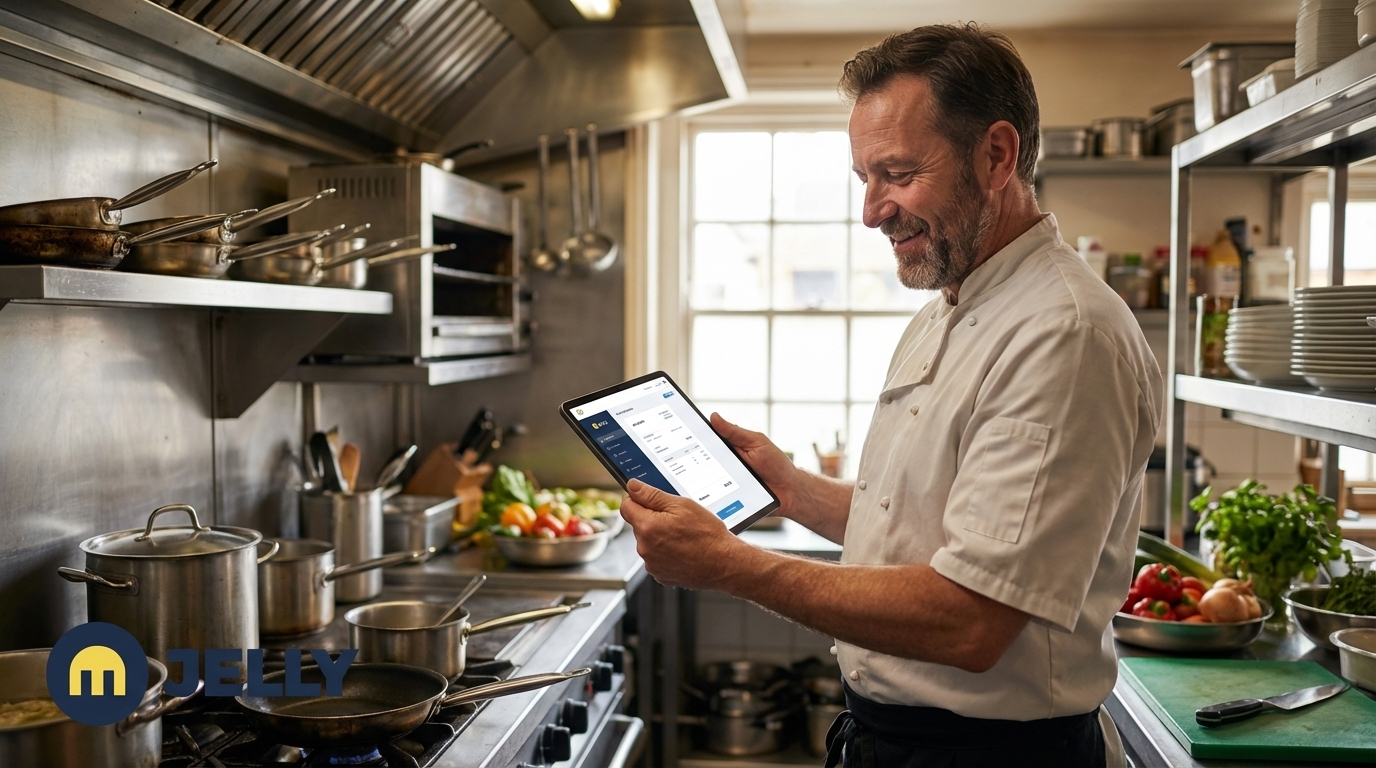
Hospitality businesses operate under service peaks, staff turnover, and dispersed teams. Slow software, missing features, and disorganised systems add stress during the busiest moments. When a head chef runs a full service, a clear and fast invoice capture process supports the team; a complex one slows them down.
The cost of choosing the wrong interface appears as lost margin, wasted admin time, and weaker decision-making. Book a chat to see how a purpose-built interface can turn invoice admin into reliable cost control.
Key Evaluation Criteria for a User-Friendly Invoice Scanning Interface
Fast Setup and Straightforward Onboarding
Hospitality teams benefit from systems that start adding value in the first week. Look for minimal IT involvement, quick supplier setup, and immediate access to core tools such as price tracking and spend visibility.
Daily Usability for Busy Kitchen Staff
Front-line users often include chefs, managers, and supervisors with limited time for admin. Helpful features include:
- Simple photo capture on mobile
- Clear email submission instructions
- Minimal manual data entry
- Workflows that fit naturally around prep and service
Clear Data Presentation for Owners and Managers
Useful financial insight must be easy to read. Price alerts, spend reports, and margin data work best when presented in simple dashboards that allow quick, confident decisions without deep analysis.
Integrations that Reduce Double Entry
Invoice systems create most value when they connect cleanly with existing POS and accounting tools. Strong integrations cut down on duplicate work and keep finance data aligned across your operation.
Error Reduction and Built-In Validation
Safeguards save time and protect margins. Features such as automatic line-item digitisation, price change checks, and supplier matching raise data accuracy while reducing manual checking.
Support and Learning Resources
Even intuitive tools sometimes need support. Responsive help channels, clear documentation, and short how-to guides keep teams moving without long training sessions.
Comparing Leading User-Friendly Invoice Interfaces for Hospitality
How This Comparison Helps Hospitality Teams
This comparison focuses on user experience for growing hospitality businesses. It looks at setup complexity, ease of daily use for kitchen staff, clarity of reporting, and overall adoption.
Jelly: Simple Invoice Automation for Kitchens
Jelly focuses on helping restaurants, pubs, and boutique hotels manage food and beverage costs through automated invoices, inventory, and live menu profitability. The interface is clean and avoids clutter so that even less tech-confident chefs can use it quickly.
Key features include photo and email invoice capture with line-item digitisation, real-time price alerts through the Price Alert feature, live dish costing in the Kitchen section, and direct integration with accounting platforms such as Xero. Setup remains light so teams gain meaningful spend insights and alerts within the first week.
MarketMan: Comprehensive Features with More Complexity
MarketMan offers a wide inventory and ordering feature set that can suit larger or more complex operations. The breadth of options often means a longer rollout, with more configuration choices and a busier interface that may feel less straightforward for some kitchen teams.
Nory: Advanced AI with a Learning Curve
Nory uses AI to support inventory control and predictive analytics. The platform can provide strong forecasting, though initial setup and configuration are often more involved. Some tools may feel beyond the needs of teams that mainly want simple, reliable invoice automation for everyday use.
Side-by-Side Comparison: User-Friendly Features
|
Feature |
Jelly |
MarketMan |
Nory |
|
Primary User-Friendliness Focus |
Simplicity for kitchen staff, quick insights |
Comprehensive feature set, detailed controls |
Advanced automation, data analysis |
|
Invoice Capture Methods |
Photo, email, web upload with line-item digitisation |
Various, with AI scanning for automation |
Various, AI extraction that may need setup |
|
Ease of Daily Use for Kitchen Staff |
High, with minimal steps for capture |
Moderate, often with admin oversight |
Moderate to high, with AI review needs |
|
Onboarding and Setup Complexity |
Low, with value in the first week |
Moderate to high, sometimes over several months |
Moderate to high, with more involved setup |
Real-World Scenarios for Hospitality Teams
Owners or finance managers who oversee several sites often need trusted data without visiting each venue. Jelly supports this with automated invoice capture and features such as Flash and Price Alert reports, so decision-makers see current prices and spend without chasing spreadsheets.
Executive chefs who focus on food quality usually want costing to stay quick and simple. The Kitchen section in Jelly allows dish costing in a few minutes by selecting ingredients from scanned invoices, with margins updating as new invoices arrive. Book a chat to see this workflow in practice.
Looking Beyond the Interface: Total Value of Ownership
Implementation Time and First Results
Jelly aims for a short implementation so teams receive price alerts and spend visibility within days. More complex platforms may require longer data migration and configuration before they deliver clear insights.
Training Demands for Your Team
User-friendly systems keep training light. Jelly’s design centres on simple screens and predictable steps, while tools with broader feature sets often need formal training programmes that draw managers away from operations.
Maintenance and Ongoing Support
Systems that are easy to maintain reduce support tickets and downtime. Clear support channels and a stable interface help kitchens keep moving even when teams change or expand.
Scaling Across Multiple Locations
As hospitality groups grow, an effective interface stays easy for new staff while giving leaders a consolidated view of sites. Scalable systems avoid extra admin load when you add venues or teams.
Operational Efficiency and Profitability
A simple invoice interface often saves 10–20 hours of admin time each month, supports cleaner supplier negotiations, and provides better menu margin control through current data. These gains build over time and contribute directly to profit protection.
Choosing the Right Invoice Interface for Your Kitchen
Decision-making should reflect how your kitchens actually work, not just feature lists. If quick adoption, low training needs, and clear daily workflows are priorities, Jelly offers a strong fit for restaurants, pubs, and boutique hotels.
Teams with limited technical confidence usually gain more from straightforward tools that deliver fast results than from complex systems that sit unused. Book a chat to explore how Jelly’s interface could support your current operations and future growth.
Frequently Asked Questions about User-Friendly Invoice Interfaces
Why is a user-friendly invoice interface important for hospitality businesses?
A user-friendly interface supports adoption among busy hospitality staff who may not enjoy admin tasks or digital tools. Clear screens and short workflows reduce training time, cut errors, and prevent staff from drifting back to paper or spreadsheets, which protects the quality of real-time cost data for managers and owners.
How does Jelly’s invoice interface differ from spreadsheets and manual processing?
Jelly automates the flow from photo or email capture to line-item digitisation, so manual typing largely disappears. Real-time price alerts and live dish costing come built in, while spreadsheets need heavy manual work and regular updates to provide similar information. This automation helps maintain accuracy and frees leaders to focus on service and strategy.
Can less tech-confident chefs use Jelly effectively?
Jelly is designed with chefs and managers in mind. The interface limits distractions and focuses on core actions such as snapping an invoice photo or building a recipe from existing ingredients. Simple navigation and guided steps keep the process accessible, even for team members who rarely use software at work.
Conclusion: Automate with an Intuitive Invoice Scanning Interface
Growing restaurants, pubs, and boutique hotels gain clear value from a user-friendly invoice interface. Tools designed for office environments often struggle in kitchens where time is limited and teams rotate, while focused systems like Jelly support automation and visibility without overcomplicating daily work.
A practical choice between simple automation and complex feature sets can decide whether new software delivers measurable benefits or becomes an unused cost. Book a chat to see how Jelly can automate invoice handling and support tighter operational control across your hospitality business.