
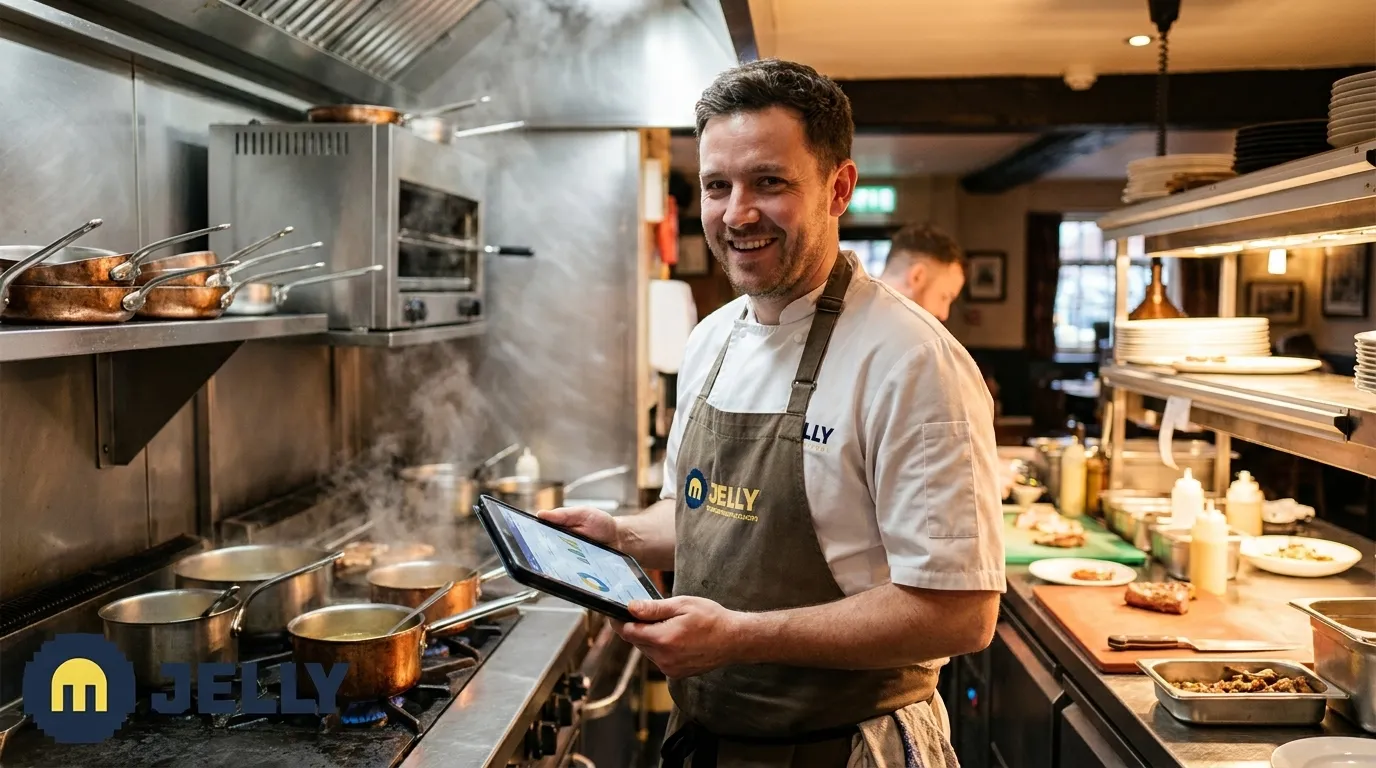
Written by: JJ Tan, Founder, Jelly | Last updated: 22 June 2026
Key Takeaways for Multi-Site Operators
- Manual spreadsheets for multi-site food-cost tracking consume 10–20 hours weekly and hide losses of up to £30,000 per year.
- Real-time POS integration, automated invoice scanning and live price alerts close the gap between supplier changes and margin impact.
- Jelly’s 7-step automation stack standardises recipes, waste logging and unit conversions so data stays accurate and comparable across locations.
- Operators using Jelly report 2–5 percentage point food-cost reductions and gross-profit gains reaching 80% within the first 12 weeks.
- Book a demo to see how Jelly delivers live food-cost visibility from week one.
These challenges need a structured system that removes manual work at every stage, from invoices to GP reporting. Jelly’s 7-step automation stack follows that path, starting with your POS and ending with consistent, cross-site analytics.
The Solution: Jelly’s 7-Step Automation Stack
Step 1: Live POS integration. Connect Jelly to your existing POS, such as Square, Lightspeed, EPOS Now or Toast, in approximately five minutes. The setup is simple: open Jelly, click Integrations, sign in to your POS, grant permissions and select which categories to sync. This one-time setup creates a continuous data feed. From that moment, every completed transaction sends item-level sales data into Jelly, so you see real-time revenue figures without manual exports.
Step 2: Central recipe database (Cookbook). Build every dish by clicking on ingredients already populated from your scanned invoices. Jelly handles unit conversions and waste percentages automatically. Recipes must be fully structured with defined ingredients, yields and portion sizes so the system can calculate theoretical usage from sales data and produce reliable food-cost visibility across sites. Jelly enforces this structure by design. A costing task that previously took 28 minutes per dish drops to roughly three minutes.
Step 3: Per-site inventory and waste logging. Each location logs stock counts and waste events directly in Jelly. Effective waste logs must record the item, quantity and reason for disposal using standardised categories including spoilage, preparation waste, plating or customer error, and staff meals. Jelly deducts wasted items from stock in real time, which keeps theoretical and actual figures aligned across every site.
Step 4: Automated invoice capture and line-item scanning. Suppliers email invoices to a dedicated Jelly address, or kitchen staff photograph paper invoices on arrival. Jelly digitises every line item, including quantity, SKU, price and tax, within 24 hours. Automated three-way invoice matching verifies the purchase order, delivery note and supplier invoice, automatically flagging price differences, quantity shortfalls or un-ordered items before payment. This process removes many manual accounts-payable errors that strain supplier relationships.
Step 5: Real-time price alerts and supplier negotiation data. Every time a supplier changes a line-item price, Jelly’s Price Alert feature flags it immediately, showing which ingredient, which supplier and the size of the change. Operators and chefs gain concrete evidence to request credits, switch suppliers or adjust menu pricing before margin damage builds. Jelly’s Price Changes feature provides real-time pricing insights enabling ingredient substitutions, supplier switches or better deals.
Step 6: Multi-site analytics and daily Flash Report. The Flash Report shows a daily, weekly or monthly view of gross profit margin per site, calculated from invoice costs and POS sales. The Sales Mix report adds insight into which dishes are most popular and most profitable across locations. Operators see a centralised performance view without waiting for an accountant’s monthly summary.
Step 7: Standardisation rules for data accuracy across sites. Consistent naming conventions, waste percentages and unit conversions are configured once in Jelly and applied across all connected sites. Multi-location restaurant groups should standardise waste logging methods, reason categories and review cadence across all sites to produce comparable data for centralised analytics. Jelly enforces this consistency automatically and removes spreadsheet drift that makes cross-site comparisons unreliable.
How Jelly Keeps Multi-Site Data Clean and Comparable
Data accuracy across multiple locations depends on three disciplines: unified unit conversions, consistent waste percentages and shared recipe naming conventions. When Site A records chicken breast in kilograms and Site B records it in portions, cross-site variance reports lose meaning. Jelly stores a single ingredient record with a master unit, and every site references that same record. Waste percentages, meaning the proportion of a raw ingredient lost to trimming or preparation, are set once in the Cookbook and applied universally. A recipe costed at Site A then carries identical assumptions at Site B.
Industry best practice targets a variance of 2% or less between theoretical and actual food cost; variances above this level typically indicate losses from waste, inconsistent portioning, unrecorded items or shrinkage. Jelly’s centralised recipe and invoice data makes it straightforward to identify which site is drifting and why, without a manual audit.
Once you see how standardisation protects data quality, the next decision concerns which type of system should deliver that automation. Operators usually weigh spreadsheets, custom builds and SaaS platforms, each with different costs, timelines and maintenance demands.
SaaS Automation vs Spreadsheets or Custom Builds
Spreadsheets require someone to enter, check and reconcile data manually. As the number of sites, suppliers and SKUs grows, spreadsheets and clipboard counts become difficult to maintain accurately, leading operators to over-order or experience stockouts. The hidden cost is not just time. Late data also blocks timely decisions on pricing, menu changes and purchasing.
Custom-built software solves many flexibility issues but introduces new ones. Custom software development requires planning, programming, testing, deployment and ongoing support, resulting in longer time-to-value that can span months and a heavier implementation burden, with build costs often starting at £40,000 and rising with complexity. Maintenance, security patches and feature updates then sit entirely with the operator.
SaaS platforms like Jelly sit between these extremes and remove most of the maintenance burden. Updates, maintenance and security patches are handled automatically by the vendor, reducing the internal maintenance burden. For a 2–5 site group, the outcomes are clear. Amber restaurant in East London saves £3,000–£4,000 per month using Jelly, achieving approximately 68× ROI, with Chef-Owner Murat Kilic stating the platform “keeps my business alive.” Ruth Seggie, Owner of The Howard Arms, reached 80% gross profit after adopting Jelly: “Our accountant said we’d be lucky to hit 60% gross profit. After using Jelly, we reached 80%.” Industry sources report food cost reductions of 2–5 percentage points within the first 90 days for operators using real-time inventory tracking systems, including multi-unit restaurant groups.
See how Jelly delivers week-one visibility without the build time or manual effort of alternatives.
Decision Framework: Why Jelly Delivers Week-One Value
Jelly charges a flat rate of £129 per site per month with no variable charges per user or feature. POS connections across Square, Lightspeed, EPOS Now and Toast take under five minutes each. Operators gain access to price alerts and spending insights as soon as suppliers begin sending invoices to the dedicated Jelly email address, usually within 24 hours of setup. There is no months-long implementation project, no dedicated IT resource required and no per-user pricing that penalises growth.
Many restaurant operators cite POS integration challenges as a key barrier to adopting inventory software. Jelly removes this barrier by surfacing only items sold since the integration was connected, which keeps the POS-to-dish mapping clean and free of legacy menu clutter. This clean data foundation also simplifies the day-to-day experience. For non-tech-savvy kitchen teams, the interface is deliberately stripped of noise, so a costing task that previously took 28 minutes for a single dish now takes three minutes.
Frequently Asked Questions
How do you create a food cost spreadsheet?
A basic food cost spreadsheet lists every ingredient, its unit cost, the quantity used per dish and the resulting cost per portion. You then divide the total ingredient cost by the dish’s selling price to get a food cost percentage. In practice, this means manually updating prices every time a supplier invoice arrives, recalculating every affected dish and repeating the process across every site. For operators with multiple locations and dozens of suppliers, this process consumes 10–20 hours per week and still produces data that is days or weeks out of date. Automated platforms like Jelly keep the same logic but scan invoices and update dish costs in real time, so the manual effort disappears.
How do you automate a food business?
Automation for a food business starts with the invoice flow. When every supplier invoice is captured digitally and line-item data flows into a central system, downstream tasks such as dish costing, margin reporting, variance tracking and accounts payable can all run from that single data source. The next layer is POS integration, which connects live sales data to recipe costs so gross profit updates continuously rather than only at month-end. Waste logging and inventory counts complete the picture by reconciling theoretical usage against actual consumption. Jelly connects all three layers, invoices, POS and inventory, in a single platform designed for operators without dedicated finance or IT teams.
What is the best real-time food cost tracking system for 2–5 UK sites?
The most effective system for a 2–5 site UK operator delivers live GP visibility without a long implementation or complex configuration. Key criteria include automated invoice scanning, native POS integration with existing systems, per-site and cross-site analytics, price change alerts and flat-rate pricing that does not scale unpredictably with headcount. Jelly is purpose-built for this segment, including growing restaurants, pubs and boutique hotels at the £500,000+ revenue stage, and charges £129 per site per month regardless of user count. Operators are live and receiving price alerts within 24 hours of setup, with full GP reporting available from the first week.
How quickly can multi-site operators see GP improvements?
Operators typically see measurable GP improvements within the 12-week window mentioned earlier. One Jelly customer improved gross profit from 65% to 72% within 12 weeks on approximately £500,000 in revenue. Sushi Revolution achieved gross profits 2–3% higher on average after implementing Jelly’s delivery menu costing and supplier negotiation tools. The speed of improvement depends on how actively operators use price alerts to negotiate credits and how quickly they adjust menu pricing in response to ingredient cost changes. Because Jelly surfaces price changes the same week they occur, reaction time falls to days rather than months.
Conclusion: Take Back Control of Your Margins
Manual spreadsheets and delayed reports create a structural disadvantage for any operator running more than one site. The combination of invisible waste, late price-change data and hours lost to manual entry consistently erodes the time and margin gains that automation recovers, including the 10–20 weekly hours and £3,000–£4,000 monthly losses outlined earlier. Jelly’s 7-step automation stack, from POS integration and invoice scanning to real-time price alerts and centralised Flash Reports, replaces that manual workflow with live visibility across every site from week one at a predictable flat rate of £129 per location.
Book a demo today and see exactly what Jelly can recover for your sites.