
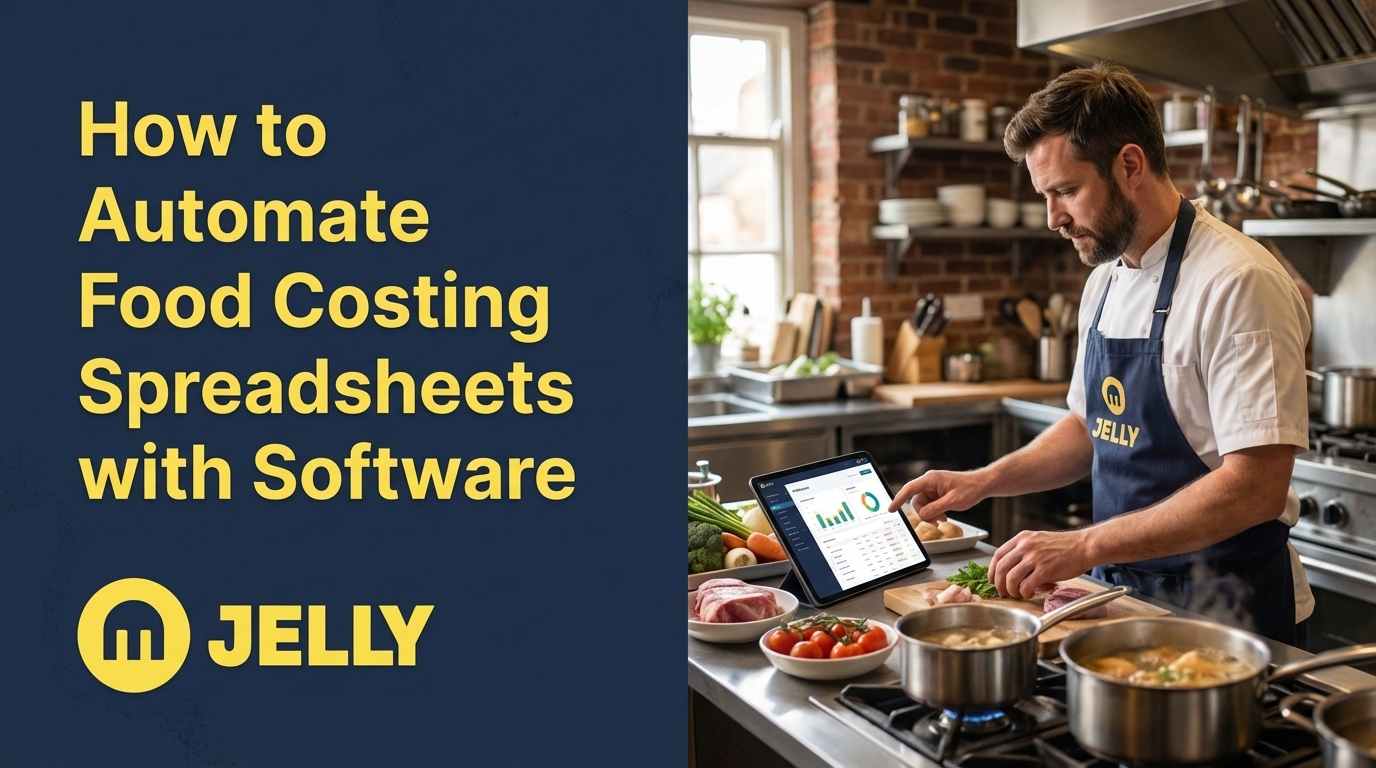
Growing restaurants, pubs, and hotels can now simplify kitchen finances with intuitive software. Automating food costing spreadsheets saves time, reduces errors, and boosts profitability. For kitchens ready to ditch manual chaos, this guide shows how automation becomes a practical tool for better financial control.
Why Manual Food Costing Falls Short
Using Excel for dish costs puts you at risk of errors that harm your bottom line. Many operators still rely on manual data entry, which often leads to mistakes across multiple locations. These inaccuracies affect recipe costing and overall financial clarity, costing you money before you even notice.
Common issues include delayed insights that prevent timely action, unpredictable margins that shift without notice, and tedious data entry that creates inefficiencies. Manual inventory tracking also leads to late reactions to waste or overstocking. This constant catch-up mode keeps you from addressing problems early.
Stock issues like missing or wasted items often go undetected until margins suffer. By the time monthly accounts reveal a problem, it’s too late to fix. Supplier price hikes might slip by, while staff spend 10-20 hours weekly on tasks that could take minutes with the right tools.
Kitchen teams shouldn’t need to master spreadsheets. Their focus belongs on creating great food, not battling complex formulas. This gap between culinary skills and financial tasks causes tension between front-of-house and back-office work, slowing growth and adding frustration.
What You Need Before Automating Food Costing
A commitment to move past manual methods is the first step to successful automation. This means embracing a system that prioritises accuracy and speed over outdated guesswork for managing kitchen finances.
You should also understand your current kitchen processes. Familiarity with how invoices move through your business, how recipes are recorded, and where inefficiencies exist will help identify areas for improvement.
Access to supplier invoices, whether digital or paper, is essential. These documents provide real-time pricing data that automation uses to calculate precise dish costs and margins.
Margins matter in an industry with tight profits. Automation offers data-driven decisions, saves administrative hours, and supports sustainable growth. Even a small improvement in cost control can significantly impact your success.
Jelly: A Simple Solution for Automated Food Costing
Jelly offers an efficient way for restaurants, pubs, and hotels to manage food and beverage operations. It automates invoices, inventory, and menu profitability, delivering value within a week, often in just 24 hours after uploading your first invoices.
Its strength lies in automatic invoice scanning. Every detail, from quantity to price and tax, gets digitised without manual input. This provides instant insights into your kitchen finances.
Key features include:
- Live Dish Costing, updating ingredient costs and margins as new invoices arrive.
- Price Alerts, notifying you of ingredient cost changes for supplier discussions.
- Insights Dashboard, showing spending by supplier in real time.
- Flash Report, calculating daily, weekly, or monthly margins with POS integration.
Jelly’s clean interface makes it accessible, even for those less comfortable with technology. Costing a menu item drops from 28 minutes in spreadsheets to just 3 minutes with Jelly.
Ready to simplify kitchen automation? Book a chat to see how Jelly streamlines food costing.
Steps to Automate Food Costing with Jelly
Step 1: Digitise Invoices for a Strong Foundation
Start by digitising invoices with Jelly. Simply forward digital invoices to a dedicated email or upload photos of paper ones via the web platform. The system scans every line item, capturing quantities, names, prices, and taxes instantly.
This automated process saves time and cuts errors compared to manual entry. Accurate data sets the stage for reliable insights across your operations.
Step 2: Build Recipes with Real-Time Costing
In Jelly’s Cookbook section, create recipes by selecting ingredients from scanned invoices. Costs stay updated automatically, without digging through supplier lists. Unit conversions, like adjusting from a 25kg bag to 200g, are handled instantly.
Wastage percentages factor into costs for realistic numbers. As you tweak recipes or portion sizes, profit margins update live, aiding menu decisions that balance customer appeal and profitability.
Step 3: Track Margins with the Insights Dashboard
The Insights Dashboard gives a clear view of financial performance. Use the Flash Report to check margins daily, weekly, or monthly, combining invoice costs with POS sales data.
Menu Engineering highlights top-performing dishes and flags those dragging margins down. If a margin drops, drill into the data to see if ingredient costs or supplier changes are the cause, allowing focused solutions.
Step 4: Use Price Alerts for Better Supplier Deals
Price Alerts notify you instantly when ingredient costs change, showing which items, how much, and from which supplier. This lets you address price shifts right away, rather than weeks later during account reviews.
Armed with this data, negotiate better rates or credits for stock bought at previous prices. Many Jelly users have improved cost control through such informed discussions.
Step 5: Connect with POS and Accounting Systems
Jelly integrates with POS systems like Square and ePOSnow, pulling sales data for accurate margin calculations in the Flash Report. Accounting links with Xero push invoices with one click, cutting bookkeeping time by up to 90%.
This shifts financial data from delayed monthly updates to daily insights. You can spot profitability trends early and manage operations proactively.
How Jelly Compares to Other Methods
Effort and Impact Across Food Costing Tools
|
Feature |
Manual Spreadsheets |
Complex ERP Software |
Jelly |
|
Ease of Setup |
Low initial effort |
High (months required) |
Low (days to weeks) |
|
Invoice Processing |
Manual, error-prone |
Automated but complex |
Automated, intuitive |
|
Real-Time Costing |
No, always delayed |
Yes, complex setup |
Yes, automatic |
|
User Friendliness |
Varies by skill level |
Low, requires training |
High, intuitive design |
Disconnected systems often create siloed data, leading to manual fixes and frustration. Jelly unifies key functions in one platform, avoiding unnecessary complexity. Spreadsheets grow unwieldy as you scale, while ERP systems demand significant time and training. Jelly balances automation with ease of use.
Advanced Tips to Optimise Kitchen Finances
With Jelly’s data, refine menu offerings based on profitability. Adjust dishes seasonally as ingredient prices fluctuate. Use Sales Mix data to boost high-margin, low-sales items through better menu placement or tweak low-margin, high-sales items for better returns.
This data also aids budgeting and forecasting, projecting costs from real trends in your operation. Explore Jelly’s delivery menu feature to account for platform fees, keeping delivery profitable.
The Benefits of Simplified Food Costing Automation
Automating with Jelly goes beyond saving time. Owners and finance managers gain control with real-time insights and data-driven choices. Chefs find dish costing easier through simple clicks, with recipes stored digitally and updated automatically.
Teams save effort on admin tasks, while profitability rises through better cost control and pricing. As Mirella, Head Chef at Cafe Murano, says, “Jelly is making my life 1000 times better.”
Want to see the difference? Book a chat to explore how Jelly reshapes kitchen management.
Common Questions About Food Costing Software
How soon can I expect results with Jelly?
You’ll notice benefits like price alerts and spending insights within a week, often in 24 hours after uploading invoices. Many users see a 2 percentage point margin increase within three months, thanks to automated processing and real-time updates.
Can non-tech-savvy chefs use Jelly?
Yes, Jelly’s straightforward design ensures even those unfamiliar with tech can handle costing and insights easily. Tasks that took 28 minutes in spreadsheets now take just 3 minutes.
How does Jelly handle frequent ingredient price changes?
Every invoice line item updates ingredient costs automatically. Dish costs and margins stay current, and price alerts inform you of changes as they happen.
Does Jelly support supplier negotiations?
Price Alerts provide data on cost changes, equipping you to negotiate better rates with clear evidence of price shifts for proactive discussions.
What happens to existing recipes when switching to Jelly?
Your recipes transfer easily into Jelly’s digital Cookbook, using ingredients from invoices. Supplier relationships stay intact and may strengthen with data-backed price talks.
Take Control of Kitchen Finances with Automation
Progressive UK restaurants, pubs, and hotels are leaving manual spreadsheet struggles behind. Continuing with error-prone methods wastes time, while automation offers efficiency and clarity in financial management.
Jelly simplifies cost control, making it accessible to your entire team. Save hours on admin work and gain visibility over kitchen finances with automated tools.
Competitors are already benefiting from these advancements. Leading the shift to automation ensures you stay ahead.
Ready to escape manual spreadsheets and take control? Book a chat to learn how Jelly automates kitchen management and strengthens your margins this week.
